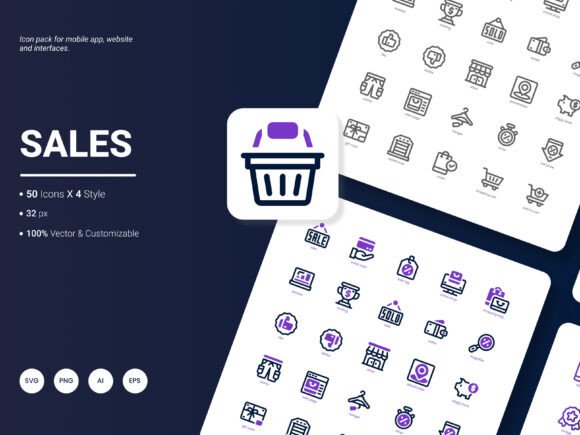
Sales Icon Pack: A Practical Collection of 200 Stylish Icons for Modern Projects
Finding the right visual elements for a project often takes longer than expected. You search through free libraries, only to discover inconsistent styles or missing formats. The Sales Icon Pack presents itself as a focused solution: a curated set of 200 icons spanning popular services and common business ideas. It is not a sprawling collection of thousands of generic symbols. Instead, it targets specific use cases where clarity, trend awareness, and file flexibility matter. This article takes a close look at what the pack actually contains, how it performs in real workflows, and who stands to gain the most from adding it to their toolkit.
What the Sales Icon Pack Actually Delivers
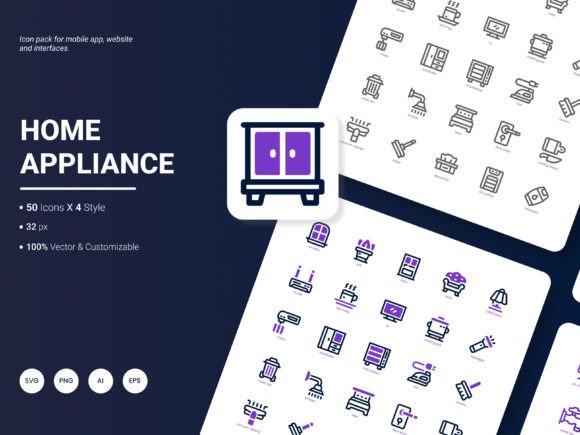
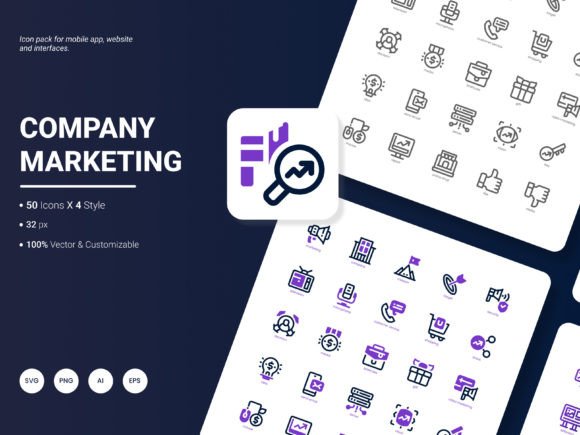
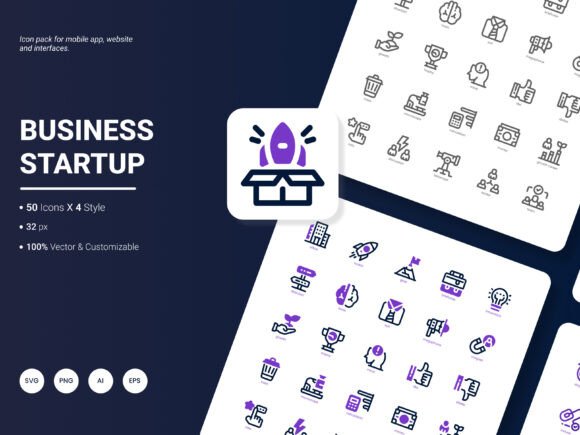
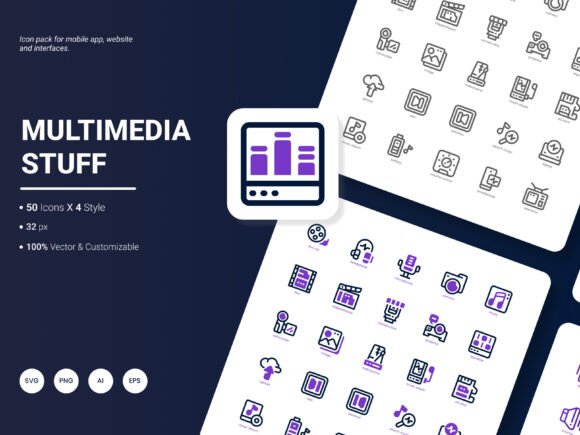
At its core, the Sales Icon Pack bundles 200 icons designed around recognizable sales, marketing, and service-oriented concepts. The subject matter covers areas many designers and content creators repeatedly need: payment methods, analytics visuals, communication symbols, team collaboration cues, growth indicators, and product-related metaphors. Because the scope is relatively tight, you spend less time wading through irrelevant categories. Each icon is delivered in six file formats — AI, EPS, SVG, PNG, PDF, and JPG — which addresses one of the most common friction points when moving assets between different software environments.
Four distinct visual styles are included within the same collection. This means you are not locked into a single aesthetic interpretation. You might apply a flat, minimalist line style to a corporate presentation while using a bolder, filled version for a mobile onboarding screen. The stylistic range allows the same conceptual icon to serve different brand voices without requiring separate purchases or custom redesigns.
File Formats and Why the Range Matters
A designer working in Adobe Illustrator needs native AI files. Someone building a web dashboard in Figma or Sketch will reach for SVG first. PowerPoint users often require high-resolution PNG or JPG, while print-focused workflows depend on EPS and PDF for vector fidelity. The Sales Icon Pack covers all of these. This breadth reduces manual conversion steps. Instead of exporting icons one by one, you grab the format that matches your current environment and keep moving.
Editable source files deserve particular attention. The AI and EPS formats allow you to adjust stroke weights, change colors, simplify paths, or extract individual elements. This is essential when brand guidelines dictate a precise palette or when an icon needs slight modification to fit a specific layout constraint. Beyond simple scaling, true editability ensures the icons remain useful as projects evolve, rather than becoming outdated assets you need to replace later.
Evaluating Visual Quality and Consistency
Consistency across a set of 200 icons is harder to achieve than it appears. Individual icons might look polished in isolation, but the real test is placing ten or fifteen on the same landing page or infographic. Do the line thicknesses match? Are corner radii uniform? Does the level of detail stay consistent from simple symbols to more complex compositions?
Initial review of the Sales Icon Pack suggests deliberate attention to a unified grid and proportional system. Icons maintain similar optical weights, so no single symbol dominates a grouped layout. The trendy, fresh aesthetic the pack aims for translates into clean geometric forms, restrained use of negative space, and a contemporary color palette that leans toward versatile neutrals and accent-friendly tones. This makes the icons suitable for interfaces that value clarity over decorative flourishes. They read well at small sizes on mobile screens, yet hold together when enlarged for presentation title slides or printed infographic headers.
Real-World Use Cases Across Different Mediums
Where does the Sales Icon Pack fit practically? Consider a few common scenarios. A freelance web designer building a SaaS product landing page needs to illustrate features like analytics dashboards, secure payments, and team accounts. Selecting relevant icons from the pack saves hours compared to custom illustration or hunting through fragmented free sources. The SVG format integrates cleanly with responsive layouts, and the uniform style reinforces visual trust.
Marketing professionals preparing quarterly reports often rely on infographics and slide decks. The PNG and JPG files in high resolution insert smoothly into PowerPoint or Google Slides without pixelation. Using icons to represent growth metrics, customer segments, or conversion funnels creates a more digestible narrative than text alone. The availability of four styles means you can match the icon treatment to the report's overall design language, whether it is serious and analytical or more approachable and brand-forward.
Educators and content creators developing online courses or tutorials can incorporate the icons into worksheets, video thumbnails, and learning management system templates. The consistent visual language reduces cognitive noise for learners. Small business owners building their own website on platforms like Squarespace or Wix benefit from the PNG and JPG formats, as these upload easily into standard image blocks without requiring vector editing skills.
Practical Strengths You'll Notice Daily
One underrated advantage of a well-organized icon pack is reduced decision fatigue. When you have 200 relevant icons sorted by accessible categories, you spend less time searching and more time placing and refining. The Sales Icon Pack focuses on popular content themes, so the likelihood of finding a suitable symbol for common business concepts is high. The editable nature of the source files also means you are not stuck with someone else's exact color choices. This matters particularly in client work, where brand alignment is non-negotiable.
Another practical strength lies in cross-project reuse. A marketer who pulls icons for a report today might use the same set tomorrow for a social media graphic, then again next week for an internal training document. Because the styles are distinct yet related, you can maintain a recognizable visual thread across different deliverables without everything looking identical.
Potential Limitations to Keep in Mind
No icon set covers every possible concept. With 200 icons, the Sales Icon Pack covers a broad base, but niche or highly specialized industries may find gaps. A company focused exclusively on agricultural technology or advanced biotech might need to supplement with more domain-specific assets. This is not a flaw but a reality of curated collections. The pack does not claim universal coverage; it targets sales and popular service ideas, which suits a large segment of commercial projects but leaves highly technical fields partially addressed.
The four included styles, while versatile, may not match every brand's established illustration language. Teams with deeply custom, hand-drawn, or highly textured icon systems might find the clean geometric approach too polished or too digital. In those cases, the editable AI files provide a starting point for modification, but the effort required could approach custom creation depending on the desired deviation from the existing styles.
Users working primarily in older software versions should verify compatibility with the provided AI and EPS formats. Most modern applications handle these without issue, but legacy systems occasionally struggle with newer file specifications.
Who Gets the Most Value from This Collection
The Sales Icon Pack aligns particularly well with several user profiles. Freelance designers managing multiple client projects appreciate having a reliable, licensed set of icons ready to deploy without per-project attribution concerns. The multi-format delivery means they can accommodate client requests in various software ecosystems without additional conversion steps.
Digital marketers and content creators producing frequent visual assets — blog feature images, email newsletter headers, social media carousels, lead magnets — find the consistent styling accelerates their production workflow. Instead of sourcing icons from multiple places and wrestling with mismatched aesthetics, they maintain a cohesive look across channels.
Startup founders and small business operators building their own brand materials benefit from the professional finish the icons provide. Without a dedicated design team, they can still produce polished pitch decks, website sections, and product one-pagers that look considered and intentional.
Agencies and in-house design teams working on sales enablement materials, proposal templates, and client-facing reports also stand to gain. The editable vector files allow customization to client brand guidelines, while the included formats cover both digital and print output scenarios.
How to Integrate the Pack into Existing Workflows
Start by importing the SVG or AI formats into your primary design tool and setting up a master library file. Organize icons by the categories that make sense for your typical projects rather than sticking rigidly to the pack's default grouping. This small organizational step repays itself quickly when you need to locate a specific symbol under deadline pressure.
For web developers, consider optimizing the SVG files further before deployment. Minifying SVG code and removing unnecessary metadata reduces file sizes without affecting visual quality. Tools like SVGO automate this process. The same optimization applies to PNG files, where running icons through an image compressor strips excess metadata and trims kilobytes that compound across multiple page loads.
When using icons in presentations or documents, embed them properly rather than dragging and dropping. Embedded vector icons in apps like PowerPoint maintain sharpness when scaled, whereas pasted raster versions can soften and degrade. Taking a moment to place assets correctly preserves the professional edge the icons are meant to provide.
Observations on Long-Term Value and Reusability
An icon pack represents a tool investment. The value tends to compound as you reuse assets across projects over months and years. The Sales Icon Pack focuses on concepts with staying power. Payment icons, growth charts, team symbols, and communication visuals do not become dated overnight. Trends shift, but fundamental business ideas evolve slowly. The four styles provide enough aesthetic range that even as design preferences change, at least one style likely remains serviceable.
The editable source files represent the strongest long-term asset. Even if you eventually move away from the exact visual treatments included, the vector foundations — adjusted, recolored, and restyled — continue to provide starting points for custom icons. In this sense, the pack functions as more than a finished product; it serves as a resource library that adapts alongside your design needs.
Final Thoughts on Fit and Selection
Choosing the right icon pack comes down to alignment with your actual work. If your projects revolve around sales pages, marketing collateral, business software interfaces, educational content, or financial dashboards, the Sales Icon Pack covers substantial ground with minimal filler. The six-format delivery removes technical barriers, and the editability ensures you maintain creative control. No single resource solves every design challenge, but a well-built pack eliminates repetitive sourcing tasks and helps maintain visual consistency across deliverables. For professionals who value practical, ready-to-use assets that ship with the flexibility to adapt over time, this collection warrants a serious look. And as the creators actively invite suggestions for future updates, the scope of the pack may continue expanding to cover emerging needs identified by the people actually using it every day.